Registering a Player as a Parent/Carer
Registering a new player on the Grassroots360 platform. This covers the registration from a Parent/Carer perspective.
Sign-Up
In order to complete the steps in this document, the Parent/Carer will be required to have an account on your clubs Grassroots360 platform. They can do this by going to your grassroots360 instance, clicking on the menu and selecting "Sign Up"
Registering a Player
Navigate to Registration
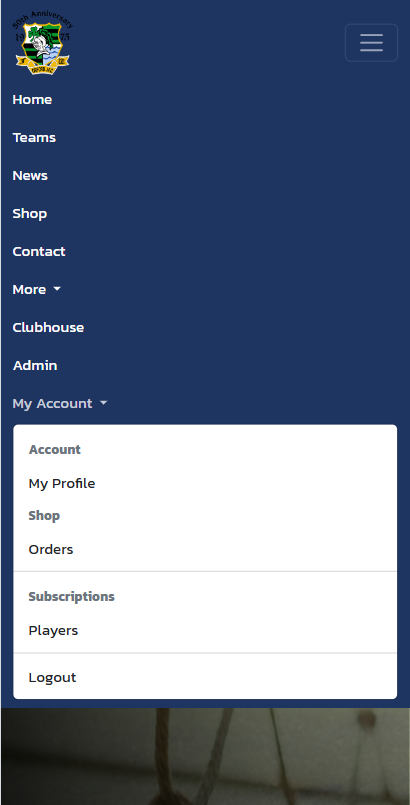
Navigate to the registration page by clicking on the Menu and selecting "Players".
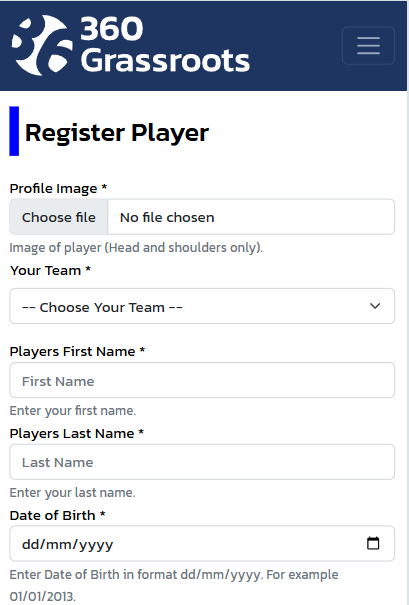
Complete the details
Complete all details that the page asks for. Every option that has a * next to it must be filled in with some information.
Submit
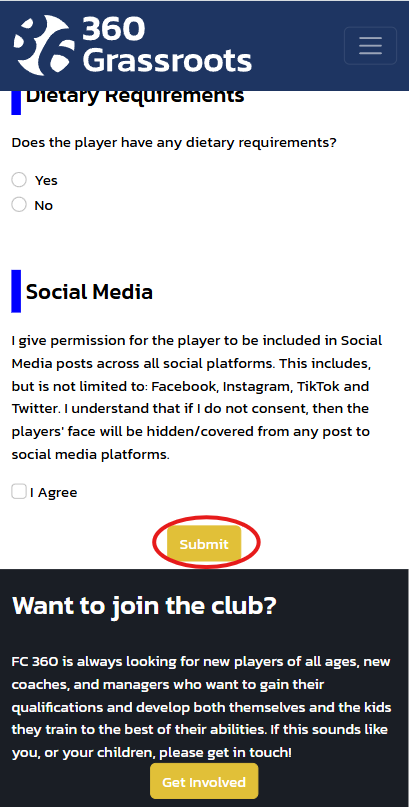
Now that you have completed all the relevant information, click on submit at the bottom of the page.
If there are errors, then a pop up will show you what the error is. In this instance, correct the issue and submit again. Note that if an error appears, you will have to re-select the picture that you attached for security reasons.
Agree to the Code of Conduct
You will be redirected to a new page where you can validate all of the information that you have entered. Simply ensure everything is OK, scroll to the bottom of the page and click on "Agree & Submit". Note that if you do not do this step, your player registration request will not be visible to the club to approve.
Forgot to Agree & Submit?
If you forgot to agree and submit, then you can access this page by navigating to the Menu > Players.
At the bottom of the page, you will see your pending items to be submitted.
Click the button next to the players' name, and select "Submit" and then scroll to the bottom and click on "Agree & Submit".